
Audio Production Essentials: A Guide to Re-Amping
Updated September 11, 2021
Re-amping is a common recording technique that provides audio engineers with the ability to apply amplifier tones in post production. Guitar and bass might be the first kinds of signals that come to mind for applying amp tones, but you can re-amp any signal – vocals, keys, drum loops, even live drums or any other audio signal imaginable. Here’s our guide containing everything you need to know to re-amp like a pro.
The first step to reamping a signal is to capture it directly from the source, directly into your recording interface and into your DAW. If you’re recording guitar, or bass, the tone won’t sound like much at this point. The most important objective at this stage is to get a good performance with plenty of volume while making sure that your signal does not clip at any point.
The recorded audio is now ready to be sent out to the amplifier, but this signal that will be coming out of your interface will not be the same type of signal that came from the original source. It needs to be converted back into an amp-friendly signal so that the amp reacts properly.
The simplest way to accomplish this is with a re-amp box, which accomplishes the exact opposite of a DI box. While a DI box converts a high-impedance unbalanced signal to a low impedance balanced signal, a re-amp box converts a low-impedance balanced signal to a high-impedance unbalanced signal, the kind that comes out of an electric guitar or bass.
It is possible to accomplish this by running a DI box in reverse, but there is a difference in attenuation. Signals coming out of a re-amp box are about 28bd less than those coming through a reversed DI box. In order to re-amp signals coming through a reverse DI box, you’ll need to turn them down by 28db at the source (in the DAW).
The problem with turning down your signal like this is that you’re using less bits, meaning lower resolution. In addition, whatever noise floor was there in your recording will start creeping up and can create noticeable hissing. For this reason, re-amp boxes are a very popular choice for re-amping.
If a re-amp box is unavailable, there are other ways to combat attenuation issues, such as using a padded xlr cable, which will knock the signal down about 20db, and allow you to run 20db hotter with a reversed DI.
Once your DAW is hooked up to your signal adapter and then your amp, simply play back your recorded signal, piping it out of a mono output at line level, then into your amp at instrument level. Keep your interface master volume all the way up through the entire process, and record the re-amped signal in real time.
Note, if you’re re-amping multiple tracks, whether it be multiple guitars, or different instruments entirely, it’s typically not advised to send more than one track through an amp at a time, which will produce a messy sound. Re-amp one track at a time, unless you’re making a conscious, stylistic choice to re-amp multiple tracks together into one.
And that’s it! Now you can tweak tones in post-production like a pro. Re-amp with your favorite vintage cabs or the newest cab-simulations, all from one stored take.

How Music For Sport runs a 180-album catalog across territories
Music For Sport has supplied music to every Summer and Winter Olympic Games since 1992. More than three decades and 180-plus albums later, the UK company's job hasn't changed: put high-quality production music in front of broadcas...[ READ MORE ]


YouTube Shorts monetization is now live. Here's what else is new in June.
June was a build-heavy month across our licensing, YouTube, and Collect businesses. We launched a major upgrade to our music-monitoring service, invested in faster and more accurate royalty processing, moved several enterprise integrations...[ READ MORE ]

The operational side of maximizing catalog revenue
One of the clearest indicators of long-term catalog health is whether there’s a real system of record behind it. By that we mean: a single place where the rest of the business can quickly confirm what a work is, who owns it, what iden...[ READ MORE ]

May at a Glance: A Product Update, the Brief Inbox, and a New AI Podcast
The Brief Inbox didn't slow down in May, and neither did we. Column customization shipped, and Drew made an appearance on Morning Brew's new AI podcast to talk music and AI. Drew on The Intelligence Shift Drew Silverstein, our Presid...[ READ MORE ]

Why Brands Are Moving Toward Aggregator-Driven Music Licensing
The way music gets licensed for advertising is changing at the infrastructure level. More brands and agencies are moving toward aggregator-driven ecosystems, where platforms like SourceAudio plug directly into proprietary music discover...[ READ MORE ]

April Recap: Luminate Summit, Blog Post, and What's Coming Through the Brief Inbox
Andrew Talks AI Training Data at Luminate Summit On April 15, SourceAudio CEO and co-founder Andrew Harding joined Doug Shapiro, Dave Davis, Dustin Blank, and Matthew Adell on "The AI Training Data Economy" panel at the Luminate Dat...[ READ MORE ]
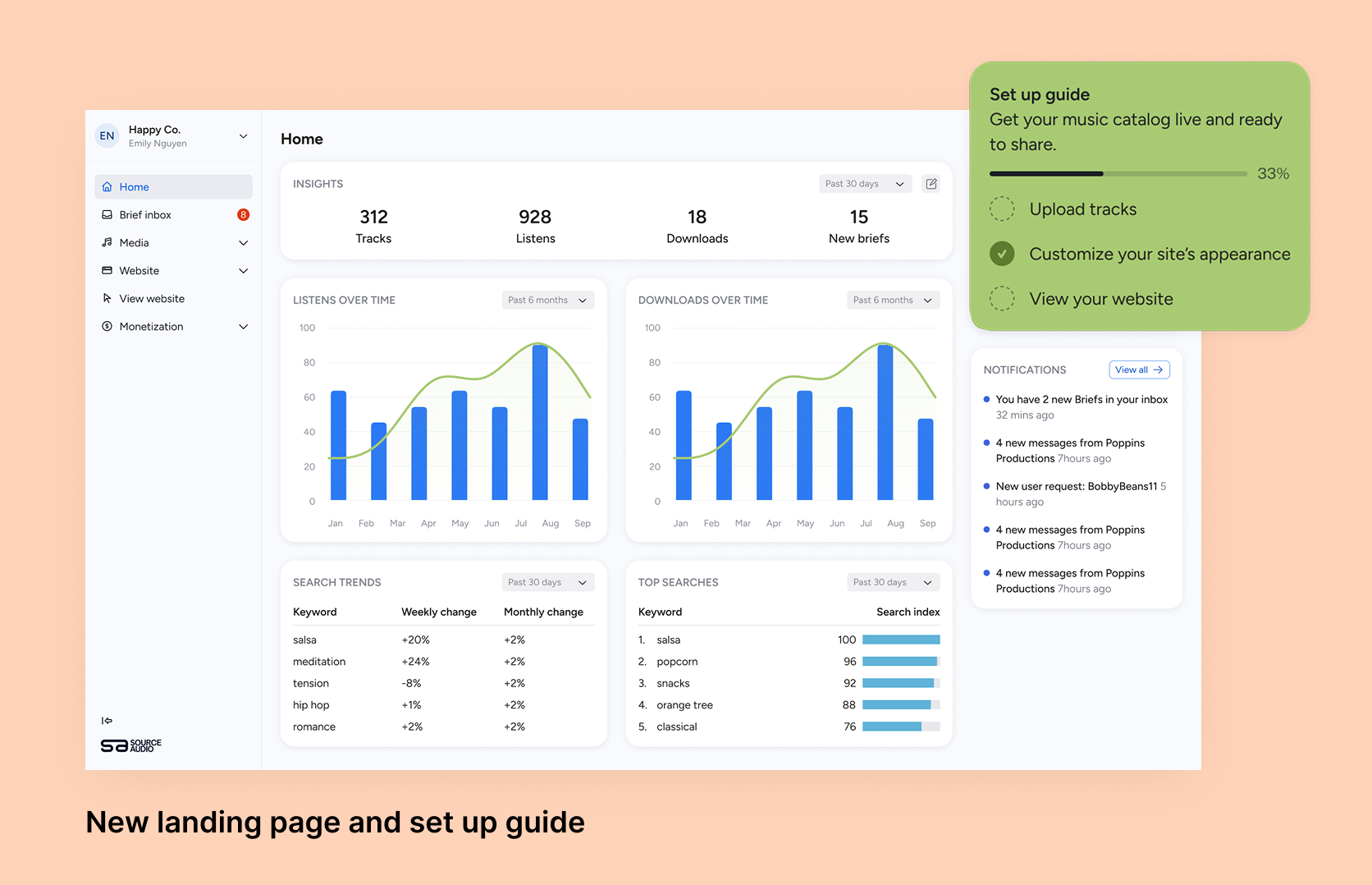
Fixing Foundations: How I restructured SourceAudio to be more intuitive for admins, new and old
For over a decade, SourceAudio has been adding features, expanding its reach, and growing alongside the music licensing industry. While our toolset has proven valuable to our client base, it’s important to acknowledge weaknesses that hav...[ READ MORE ]