
FEATURE RELEASE: Sonic Search now supports TikTok links
Updated January 20, 2024

Need to recreate your favorite TikTok fast? Find a fully compliant soundalike IN SECONDS with Sonic Search.
Finding a song like a certain TikTok is now instant and hyper-accurate. Paste a TikTok link into Sonic Search to experience the future of soundalike searches. Our proprietary algorithm analyzes timbre, tempo, vocals, tonality, and more against every track in the library site, providing incredibly accurate matches in a matter of seconds.
In addition to TikTok links, Sonic Search can find matches from YouTube, SoundCloud, or from a local file. Just click the AI icon on the right end of the search bar, then either paste a link or drag-and-drop a file, hit enter, and voilá – your search results appear with the most sonically similar tracks at the very top!
SourceAudio’s Sonic Search tool is the fastest way to find soundalikes to your reference tracks. Better, more useful matches in less time than ever before. You can even leverage the Sonic Search tool with any track on a library site without any downloading or uploading. Just click the three-line icon on any track line listing > Similar Tracks (Sonic Search).
Sonic Search Tips and Tricks
Select only a specific segment of your tracks to reference in your Sonic Search – Simply adjust the beginning and end markers on your reference track after uploading, and you can narrow your search to the exact segment of your track you choose to reference.
Combine a Sonic Search with:
Metadata filters at the top of the left rail navigation tools
Additional search terms that comb every piece of metadata on every track for matches to each word of the search entry
Advanced field-specific or compound searches for pinpointing the exact data you’re looking for
Save your search results for later – Running a search you’ll need to come back to in the future? Click “Save This Search” just above your results to save the search on your user account. You can revisit these exact results any time by heading to your User Dashboard > Saved Searches and ensure that once you’ve dialed in the perfect search, you’ll never have to worry about losing it or starting over.
Available on any Catalog Manager site, Music Supervisor site, Network site, or via the powerful SourceAudio API.
Coming soon – Sonic Search for Spotify links! 🎧

How Music For Sport runs a 180-album catalog across territories
Music For Sport has supplied music to every Summer and Winter Olympic Games since 1992. More than three decades and 180-plus albums later, the UK company's job hasn't changed: put high-quality production music in front of broadcas...[ READ MORE ]


YouTube Shorts monetization is now live. Here's what else is new in June.
June was a build-heavy month across our licensing, YouTube, and Collect businesses. We launched a major upgrade to our music-monitoring service, invested in faster and more accurate royalty processing, moved several enterprise integrations...[ READ MORE ]

The operational side of maximizing catalog revenue
One of the clearest indicators of long-term catalog health is whether there’s a real system of record behind it. By that we mean: a single place where the rest of the business can quickly confirm what a work is, who owns it, what iden...[ READ MORE ]

May at a Glance: A Product Update, the Brief Inbox, and a New AI Podcast
The Brief Inbox didn't slow down in May, and neither did we. Column customization shipped, and Drew made an appearance on Morning Brew's new AI podcast to talk music and AI. Drew on The Intelligence Shift Drew Silverstein, our Presid...[ READ MORE ]

Why Brands Are Moving Toward Aggregator-Driven Music Licensing
The way music gets licensed for advertising is changing at the infrastructure level. More brands and agencies are moving toward aggregator-driven ecosystems, where platforms like SourceAudio plug directly into proprietary music discover...[ READ MORE ]

April Recap: Luminate Summit, Blog Post, and What's Coming Through the Brief Inbox
Andrew Talks AI Training Data at Luminate Summit On April 15, SourceAudio CEO and co-founder Andrew Harding joined Doug Shapiro, Dave Davis, Dustin Blank, and Matthew Adell on "The AI Training Data Economy" panel at the Luminate Dat...[ READ MORE ]
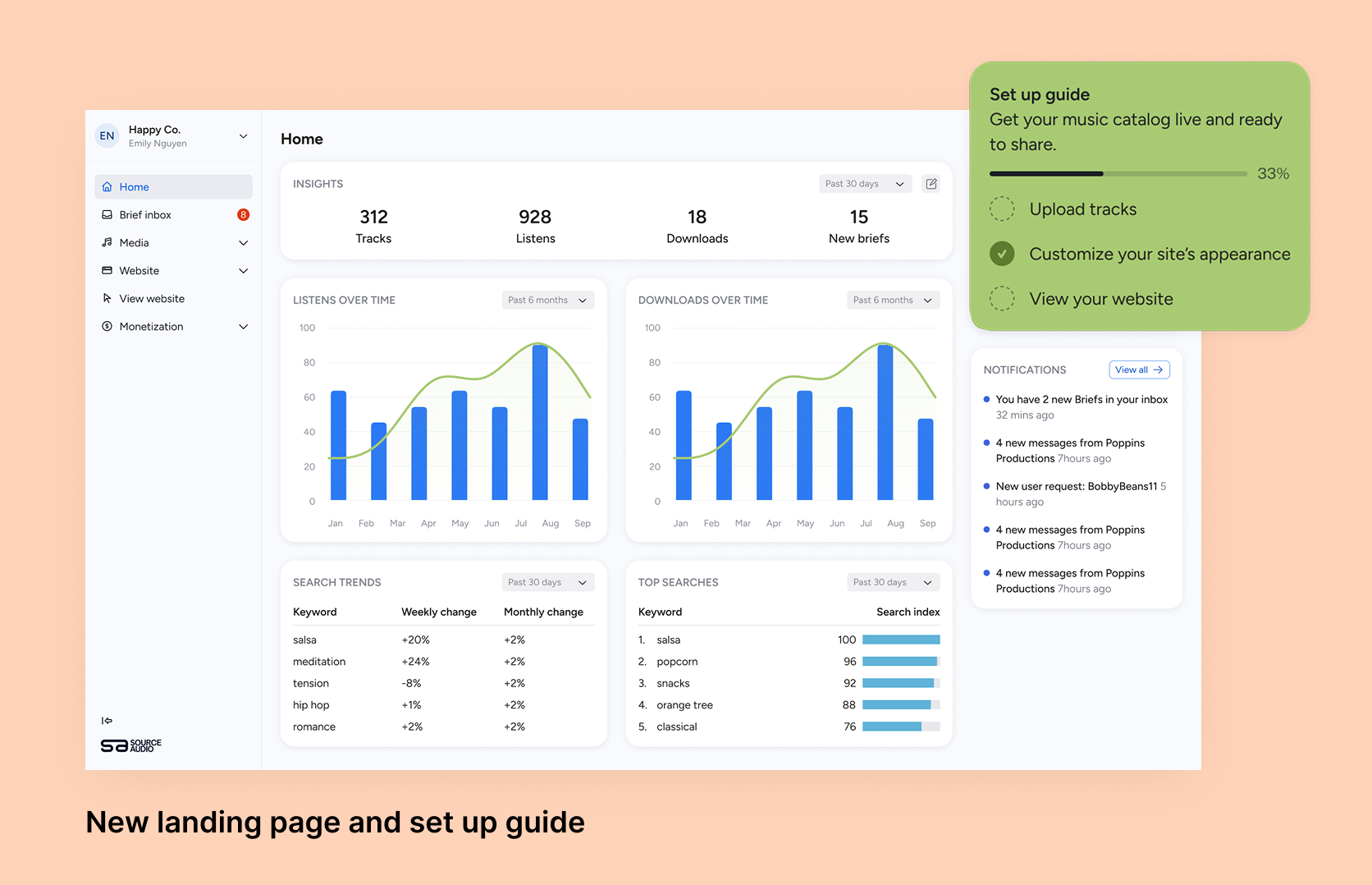
Fixing Foundations: How I restructured SourceAudio to be more intuitive for admins, new and old
For over a decade, SourceAudio has been adding features, expanding its reach, and growing alongside the music licensing industry. While our toolset has proven valuable to our client base, it’s important to acknowledge weaknesses that hav...[ READ MORE ]