
Reimagining SourceAudio’s Admin Experience
SourceAudio is rebuilding its admin interface with a modern design system, more consistent components and clearer navigation to make catalog management easier for new and experienced admins.
The SourceAudio Team
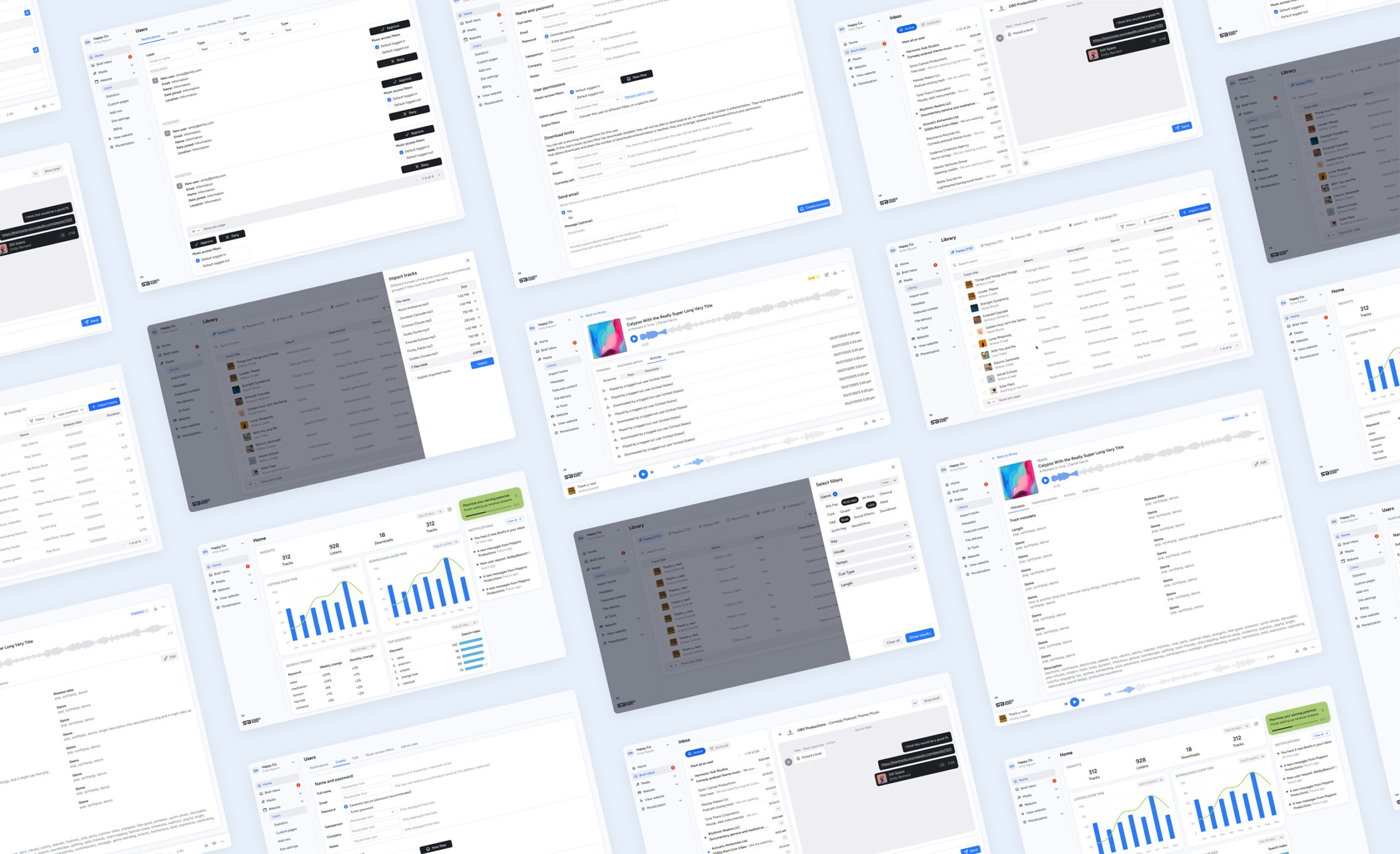
A complete UI overhaul
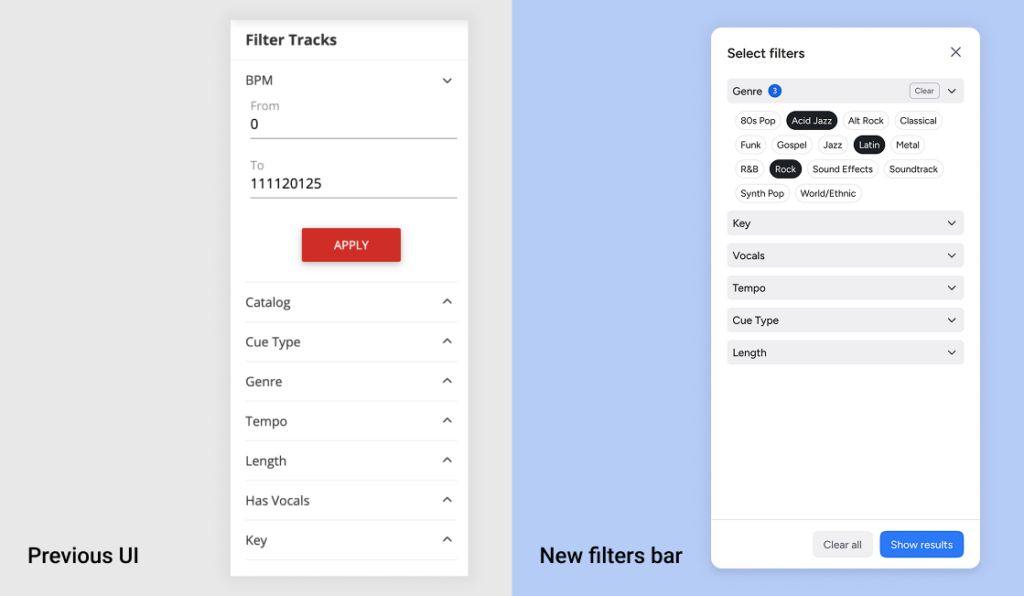
After months of design work, the admin interface is being rebuilt from the ground up. The previous experience was outdated and had a myriad of design inconsistencies collected over the past 15 years, which made SourceAudio confusing, especially for new admins. My goal with this UI re-work was to bring SourceAudio up to date with modern software design patterns, giving our users a sleeker, more streamlined experience.
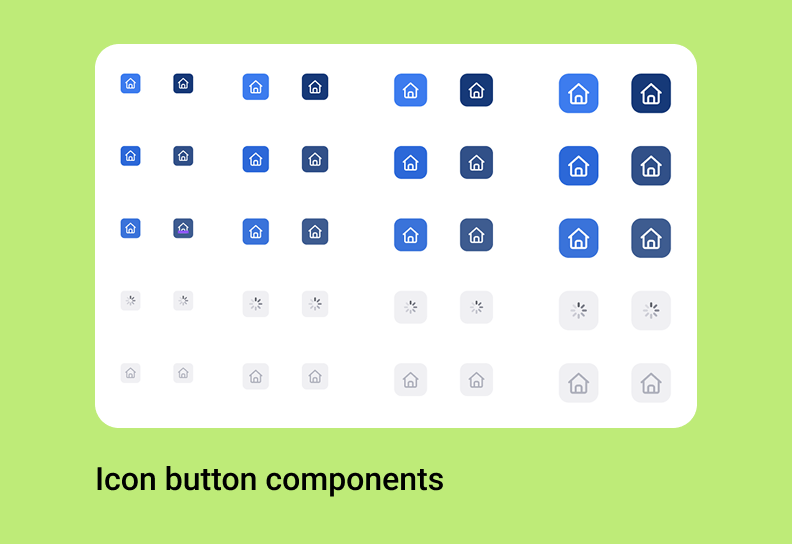
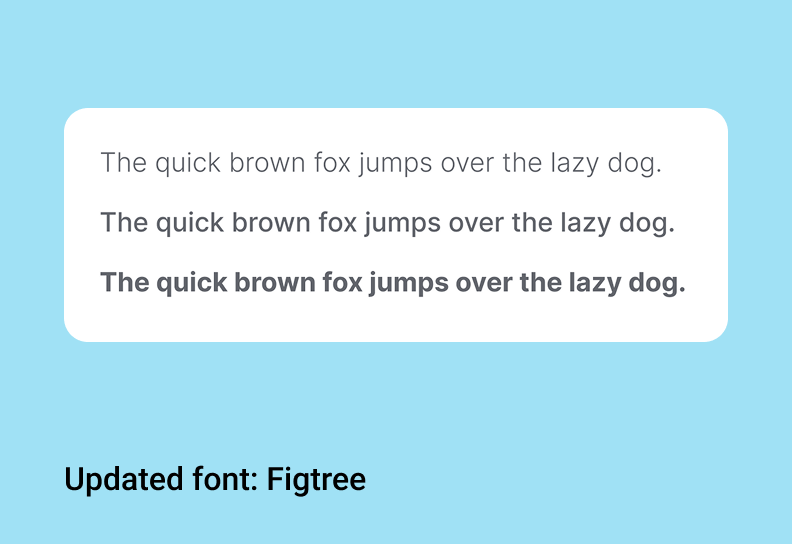
New systems-based design improves consistency
With our new systems-based approach to design, managing your catalog with SourceAudio should be clearer than ever. Every component, from buttons, tabs, and font sizes, will be more consistent across the board and refer to more intuitive design patterns.
Faster iteration
Working with design systems also means faster improvements. Future updates to SourceAudio can now be designed and shipped more efficiently, with every new feature feeling native to the platform.
A more modern feel that makes finding what you need easier
Rounded corners, refined shadows, and a streamlined color palette give the admin a modern look and feel. But it’s not just aesthetics – the cleaner design makes navigation easier and keeps your focus on managing your catalog instead of getting lost in visual clutter.
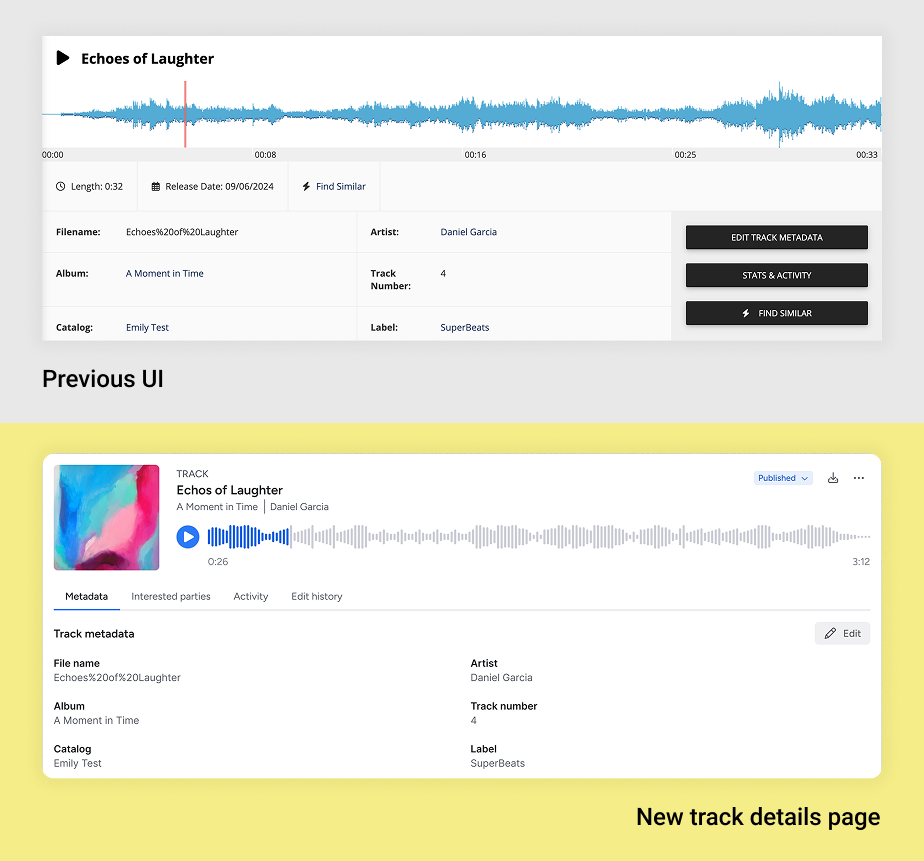
Streamlined admin workflows
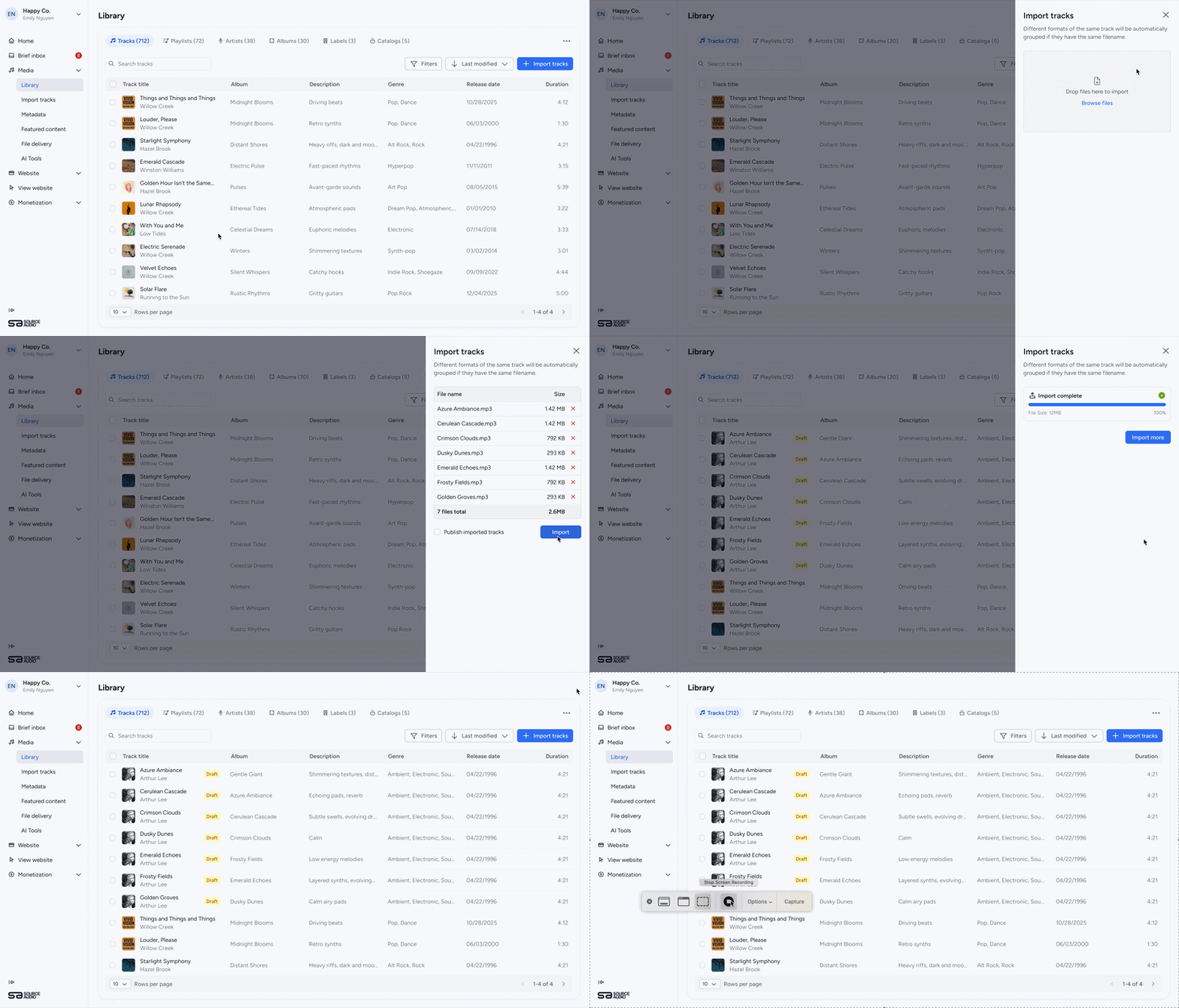
Admins and end users need different things from SourceAudio. In the new admin workspace, I targeted admin-specific workflows and consolidated them to one dedicated place, separate from end-user tools.
Centralized catalog management from the new admin Library
The biggest addition to the new admin panel is the new Library page where you’ll be able to manage your database of tracks, artists, and more. From browsing to editing to importing, any functions related to your licensable media will be centralized in one place built specifically for admins.
More accessible playlists
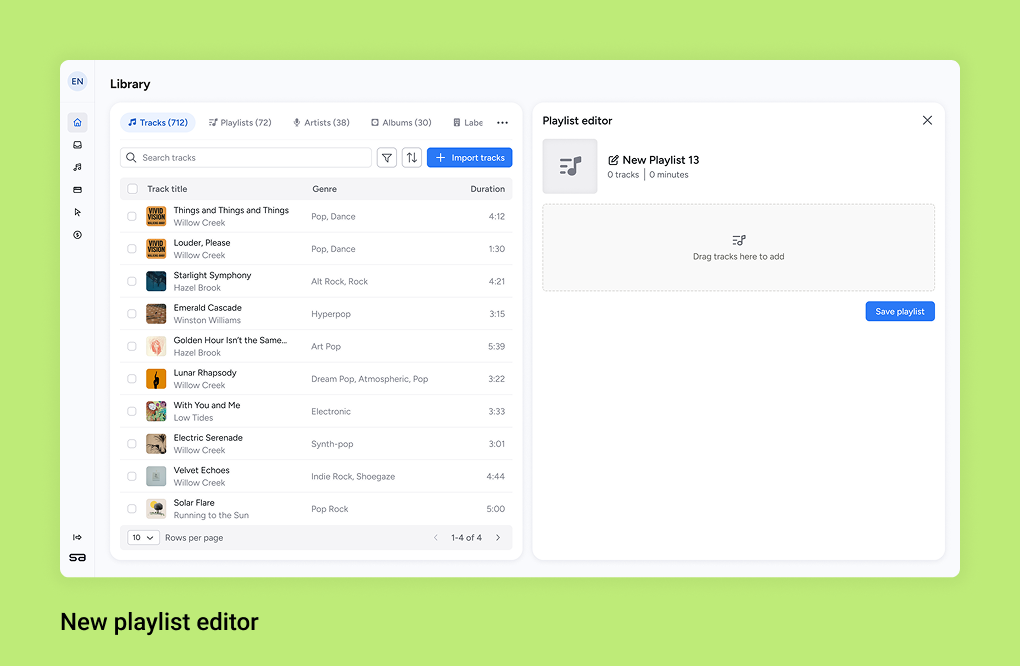
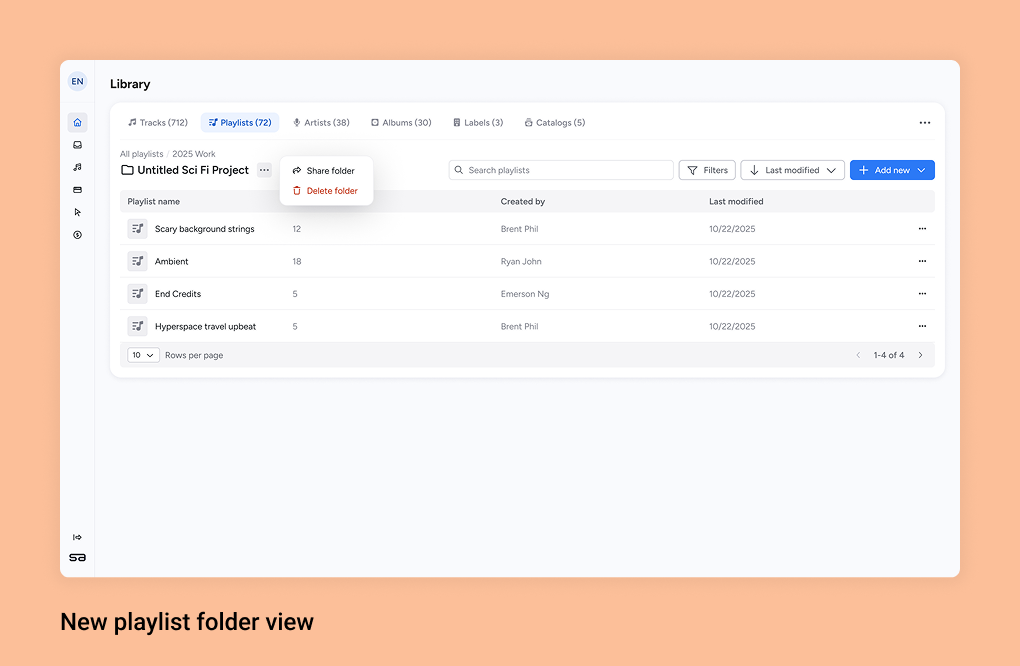
Playlists are one of the most used tools in SourceAudio with over 2,000 playlists created weekly across the platform. Previously, they were tucked away into the side navigation bar. With this new update, we’re making playlist management more accessible and expanding playlist functionality, including highly requested features like sharable playlist folders, bulk deleting, and an improved playlist creation flow. (Look for these updates to make their way to end-users in the next batch of updates!)
Faster site switching
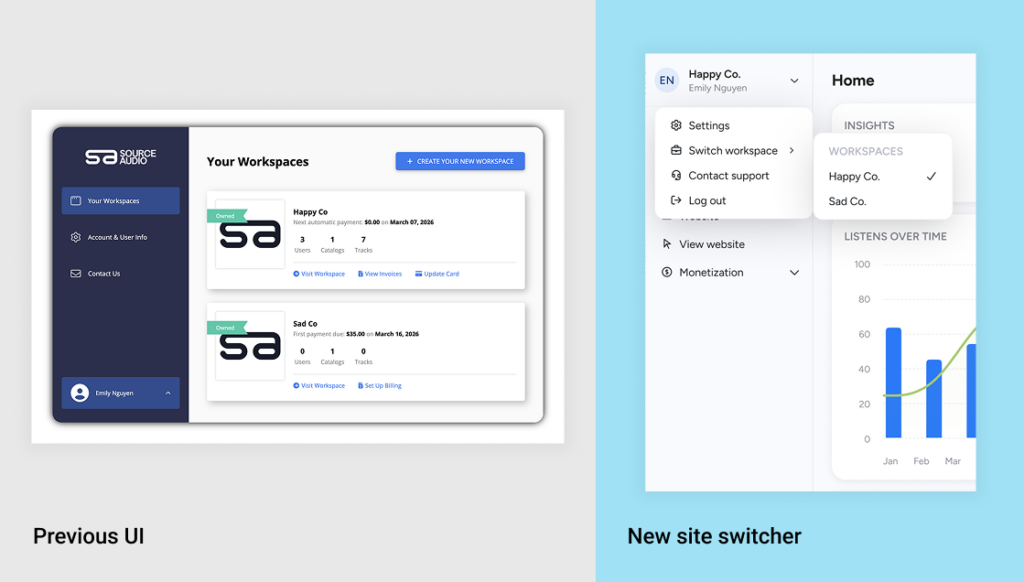
If you manage multiple SourceAudio workspaces, switching between them is now seamless. Log in once, then use the new dropdown in the navigation bar to instantly switch between workspaces—no more navigating to a dedicated page. Less friction, faster workflows.
Iterative improvements moving forward
This redesign is a major milestone, but it’s just the start. We’re committed to continuous improvement—listening to your feedback and shipping updates that make your work faster, clearer, and more efficient.
Stay tuned!