
New: Add Comments to Tracks at Specific Points Within Their Timelines
Updated January 7, 2014
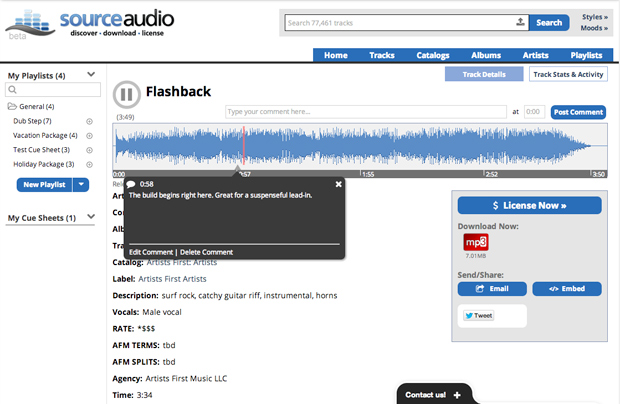
Leave comments for your users & clients to see at specific points in your track timelines
Help Your Clients Find What They’re Looking for Faster
We’re really excited about this new feature and we’re happy to get it into your hands today. Admins can now post and pin comments to specific points within a track’s timeline so that your users and clients can quickly identify and jump to the key spots in the song you’d like them to hear. You can leave as many comments on a single song as you’d like and you can edit or delete past comments at any time. Comments are visible to all site users and they display on both the track details page and the waveform line listing view of track list pages (see above and below). Any Admin who has comment capabilities enabled (see Admin-role-access post) can post , edit and delete comments on your site.
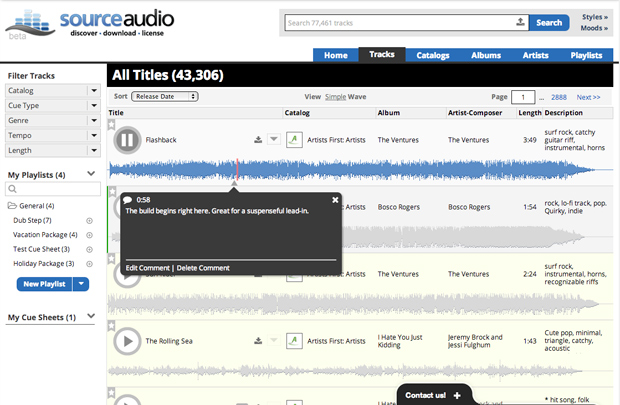
Comments also appear in the waveform view of track list pages.
How Do I Post, Edit and Delete Comments?
To post a new comment: Go to the track details page of the song you’d like to comment on by clicking on the track’s title. Just above the waveform on the right you’ll notice the new comment form field, the “at” field, and a “Post Comment” button. Simply type your comment into the new field, indicate the point in the timeline (at mm:ss) that you’d like the comment to appear, click “Post Comment” and you’re done. Once the comment is posted you and your users will notice a new small marker appearing in the timeline where you placed the comment. As the song plays past the comment marker a new comment bubble overlay will appear to reveal your notes and comments to your users.
To edit or delete a comment: When the comment bubble appears you’ll notice two links on the bottom left of the module — Edit Comment & Delete Comment. Click on each of these and follow the prompts to edit or remove an existing comment.
We hope you get a lot of great use out of this new comments feature. Go comment away!

February Updates: Symphonic Partnership, Best Audio Brands & Product News
SourceAudio x Symphonic We're excited to announce a new partnership with Symphonic Distribution. Symphonic artists and labels can now opt into SourceAudio's AI music dataset licensing marketplace, opening up a new revenue stream ...[ READ MORE ]
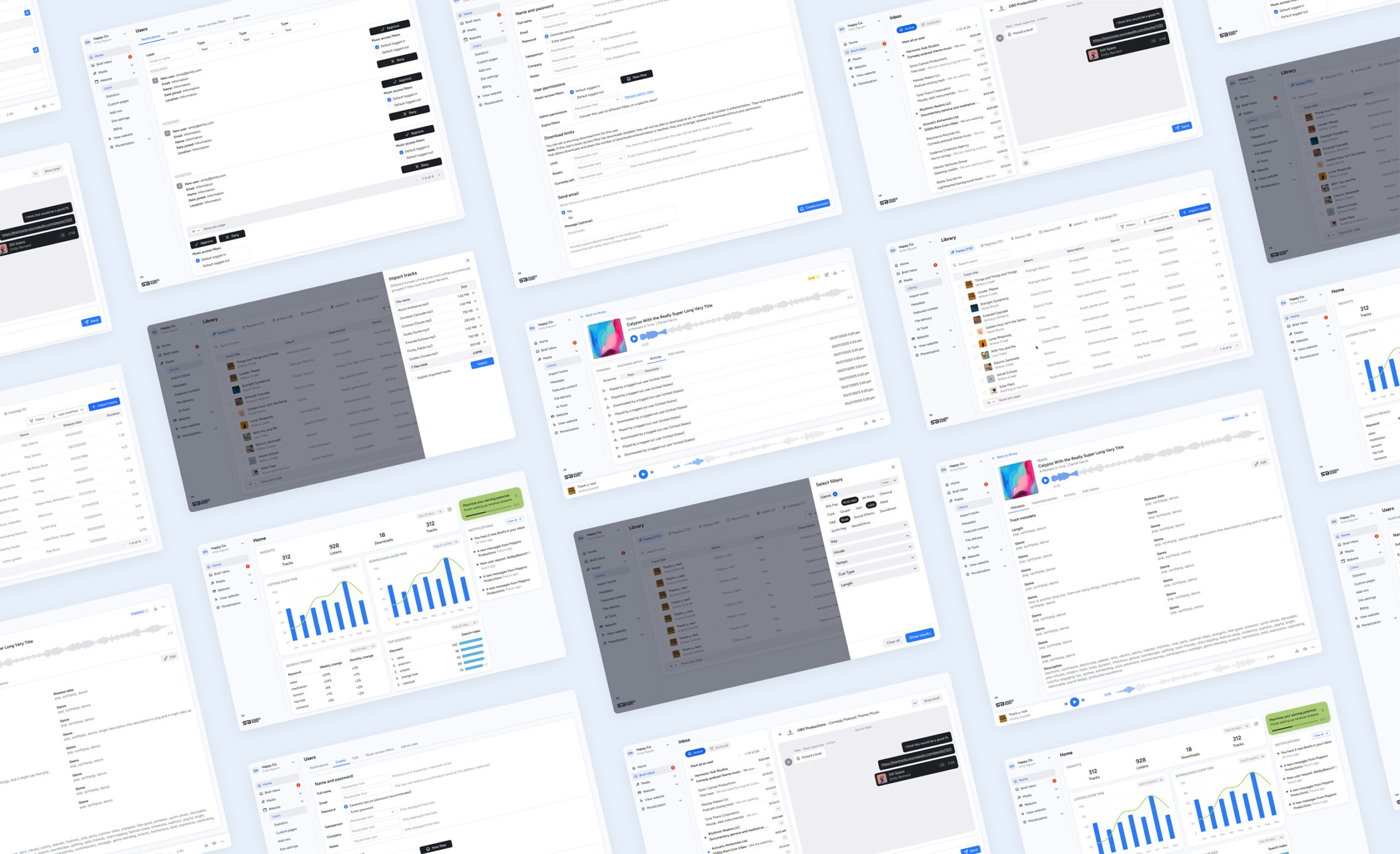
The Brief Inbox is officially live in your SourceAudio workspace!
It’s a new, shared workflow designed to make briefing, pitching, and licensing clearer on both sides of the process. Networks and production teams can request music more efficiently, and catalogs can respond with focused, relevant pit...[ READ MORE ]

Your SourceAudio June Recap: Ethical AI, Real Revenue & What’s Coming Next
It’s been a huge month. Here's a quick look at how we're pushing the industry forward. Ethically, strategically, and always with creators at the core. New: AI Dataset Licensing Marketplace We launched the first scalable, fully clea...[ READ MORE ]